blog detail
- Home
- blog detail
 Nov 22, 2026
How to Teach Children Online Safety Before Giving Them Their First Smartphone
A child's first smartphone often feels like a practical step towards independence. It allows parents to stay connected when children travel to school, attend activities, or spend time away from home.
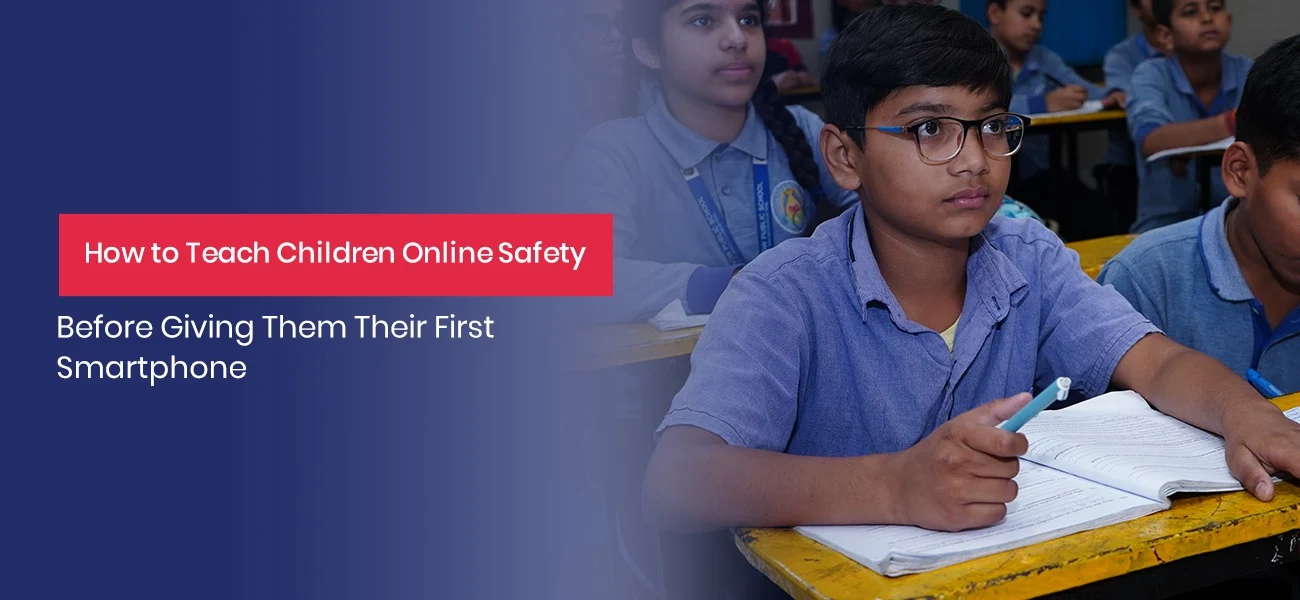
However, giving a child a phone also introduces them to online conversations, unfamiliar websites, social media, advertisements, and content that may not be suitable for their age. This is why parents should prepare children for digital responsibility before handing over a device. Families exploring a CBSE School in Lucknow should also consider how the school and home can work together to develop responsible technology habits, rather than treating digital safety as a one-time conversation.
Why Children Need Digital Safety Lessons Before Getting a Phone
Children may know how to open apps, watch videos and send messages, but using a device confidently does not mean they understand its risks. They may not recognise suspicious links, misleading information, online manipulation or attempts to collect personal details.
Digital safety is not only about preventing children from visiting inappropriate websites. It also involves teaching them how to respond when something uncomfortable happens online.
Parents should help children understand that:
- Information shared online can be copied, saved or forwarded.
- People they meet online may not always be who they claim to be.
- Not every message, video or website is trustworthy.
- Online jokes and comments can hurt people just as much as face-to-face behaviour.
- They should speak to a trusted adult if someone makes them uncomfortable.
The aim is not to make children afraid of technology. It is to help them use it with awareness and confidence.
Is There a Right Age to Give a Child Their First Smartphone?
Parents often ask whether a child should receive a phone at 10, 12 or 14. There is no universally accepted age that makes every child ready. The American Academy of Pediatrics explains that smartphone readiness depends on factors such as maturity, responsibility, practical need and the family's ability to guide phone use. It also recommends making decisions about social media separately from the decision to provide a phone. [1]
Before purchasing a device, parents can consider whether their child:
- Follows household rules without constant reminders.
- Understands why personal information should remain private.
- Can handle disagreements without responding aggressively.
- Completes schoolwork and daily responsibilities reliably.
- Knows when to ask an adult for help.
- Can accept limits on screen time and app access.
A phone may be useful for communication without requiring unrestricted internet access. A basic calling device or a smartphone with limited features can be a suitable starting point for some families.
Five Online Safety Rules Every Child Should Know
Children are more likely to follow digital rules when they understand the reason behind them. Instead of simply saying no, parents should explain what each rule protects them from.
1. Never share personal information
Children should not share their home address, school details, phone number, passwords, live location or family information with strangers online. They should also understand that photographs can reveal more information than they realise.
2. Do not click every link
Unknown links, unexpected prize messages and requests to download unfamiliar files can expose children to scams or harmful content. Teach them to check with an adult before opening something suspicious.
3. Keep passwords private
Children should use strong passwords and avoid sharing them with friends. Parents can help them create secure passwords and explain why using the same password everywhere is not a good idea.
4. Tell an adult when something feels wrong
If a stranger sends an uncomfortable message, someone asks for a photograph, or a child sees disturbing content, they should not be afraid of losing phone privileges. They should know that asking for help is always the right response.
5. Think before posting
A photograph, comment or video can remain available even after it is deleted. Children should pause before posting and consider whether they would be comfortable with a teacher, family member or future employer seeing it.
These conversations form the foundation of online safety for kids and should continue as children begin using more apps and services.
How Parents Can Set Up a Safer First Smartphone
Safety settings are useful, but they cannot replace guidance. Parents should configure the phone before giving it to the child and explain how the settings work.
A practical first-phone setup can include:
- Activating age-appropriate parental controls.
- Restricting app downloads and in-app purchases.
- Reviewing privacy and location-sharing permissions.
- Setting screen-time limits and downtime.
- Keeping devices away during meals, homework and bedtime.
- Limiting access to social media and public profiles.
- Reviewing contact lists and discussing unfamiliar requests.
The American Academy of Pediatrics recommends starting with fewer apps and clear boundaries, then gradually adjusting access as the child demonstrates responsibility. Families should also revisit their rules regularly instead of assuming that one conversation will be enough. [1]
Parents can create a simple phone agreement covering when the device can be used, which apps are permitted, how downloads are approved and what happens if a rule is broken. The agreement should apply to adults too. Children are more likely to respect screen-free routines when parents follow them.
How Schools and Parents Can Work Together on Digital Responsibility
Children use technology for learning, communication and entertainment. Their understanding of safe behaviour should therefore develop both at home and in school.
A school can support this learning through age-appropriate discussions about cyberbullying, privacy, respectful communication, digital citizenship and responsible research. Teachers can also help students recognise unreliable online information and understand that not everything published on the internet is accurate.
Parents looking at LPS Public School or any other institution should ask how digital learning is supervised and whether students receive guidance on responsible technology use. A school's approach to technology should include more than access to devices. It should also consider how children learn to question information, protect their privacy and behave respectfully online.
The same expectations should continue at home. If a child learns about privacy in school but is allowed to share personal details freely on family devices, the message becomes inconsistent. Regular conversations between parents and teachers can help reinforce similar expectations.
What Should Parents Do If Their Child Makes an Online Mistake?
Even a well-prepared child may click an unsafe link, respond to an unknown person or share something inappropriate. The way parents respond can determine whether the child seeks help the next time.
Start by understanding what happened. Ask questions without immediately blaming the child. If the situation involves a suspicious account, threatening message or inappropriate content, save relevant evidence and use the platform's reporting and blocking tools. Serious threats, exploitation or requests for intimate images should be escalated to appropriate authorities.
Parents should also review the phone's privacy settings and discuss what could be done differently. Taking away the device may sometimes be necessary, but punishment alone does not teach a child how to recognise a similar situation in the future.
The goal is to build a relationship in which children feel comfortable reporting problems early.
Final Word: Prepare Children for Responsibility, Not Just Phone Ownership
A first smartphone should be introduced as a responsibility that grows with a child's maturity. Lucknow Public School (THE LPS) believes parents should discuss privacy, online behaviour, screen limits and safety settings before the device becomes part of everyday life. They should also remain involved as children explore new apps and online spaces.
For families comparing a school in Lucknow, digital awareness is a useful part of the wider conversation about a child's education. A CBSE School in Lucknow can contribute to responsible technology habits when digital learning is supported by guidance, supervision and age-appropriate expectations.
Ultimately, the CBSE School in Lucknow a family chooses is only one part of a child's digital environment. Consistent guidance at home, open communication and sensible boundaries help children become safer and more thoughtful technology users.
Summary
This blog explains why children need digital safety lessons before receiving their first smartphone. It discusses how parents can assess readiness, teach privacy and password habits, establish phone rules and use parental controls. It also highlights the role schools can play in developing digital responsibility and explains how parents should respond when children make online mistakes. The central message is that smartphone ownership should follow preparation, not replace it.
References
[1] American Academy of Pediatrics, Appropriate Age to Introduce a Mobile Device.
[2] UNICEF, Online Privacy: A Guide for Parents.
[3] American Academy of Pediatrics, Helping Kids Thrive in a Digital World.
[4] Lucknow Public School, Official Website.

Written by:Kundan Yadav